
How can we help you?
Quickly find an answer to your question or get in touch with us.
Quick help
The most frequently used actions at your fingertips
Did you know?
The sender of your parcel has additional options to start an investigation. Therefore, contact the sender first — you will often be helped more quickly.
Frequently asked questions
Quickly find an answer by category
Each parcel has a its own parcel label number. With this number you can track the progress of your parcel online. Simply navigate to the DPD Track & Trace and enter your parcel number.
As a DPD customer, you’ll receive a login for myDPD for business. This portal gives you a complete overview of your shipments as well as your shipment history. Try connecting here.
Unfortunately not. For your own safety and to ensure the efficiency of operations at the DPD depots/hub, we are unable to welcome receivers on our premises.
If your parcel is being delivered to a Pickup Parcel Shop, there may be various reasons for this:
1. Sender choice:
The consignor has directed us to deliver the parcel to a designated Pickup Parcel Shop (DPD Shop2Shop).
2. Instruction given:
You have designated the Pickup Parcel Shop as the delivery location through our customer service, via myDPD, or using our app.
3. Absence during delivery:
If you were not available during the delivery attempt, the parcel has been automatically redirected to the nearest pick-up point.
You can check on the shipping status of your parcel by simply entering the parcel label number or reference number. Track your parcel live and see when we’ll be ringing your doorbell.
Home delivery on Saturdays is optional and depends on the choice of the shippers, whereas parcelshop delivery is a standard feature.
Download the app
Manage it yourself with the myDPD app
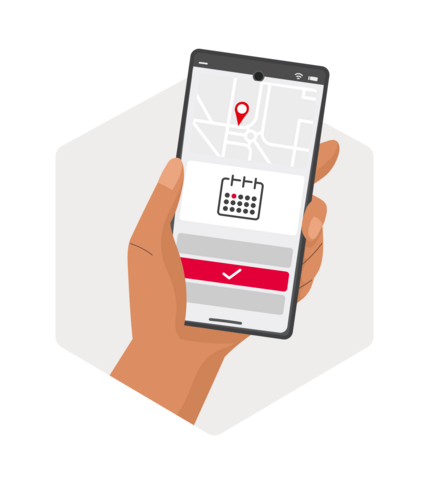
Track a parcel, change delivery, receive delivery notifications — all from the app on your smartphone.
- ✓ Live tracking of your parcel
- ✓ Change the date and place of delivery
- ✓ Set a safe place permission
- ✓ Manage all your preferences
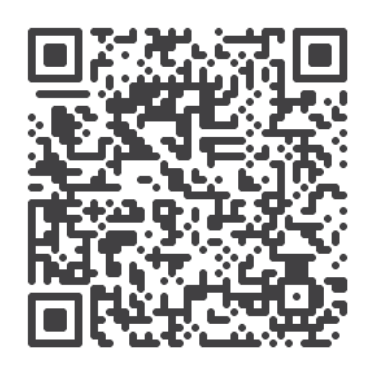 Scan to
download the app
Still need help?
Didn't find an answer? Our team is happy to assist you.
Recipients
Question about your delivery?
The sender of your parcel is a contractual client of DPD and can open a case for you. Therefore, contact the webshop or sender first — you will be helped more quickly.
Still looking? Check the frequently asked questions for more options.
Senders
Help for business clients — all information about shipments in Belgium and abroad.
Shipping guide Complaints procedureCan't figure it out?
Have you contacted the sender and your issue is still not resolved? Log a case with our customer service and we will help you as soon as possible.
Home / Contact