The sender customisation feature allows you to display a name and address on your shipping labels that differ from those in your DPD account. This option can be configured by the account administrator via the account number details page.
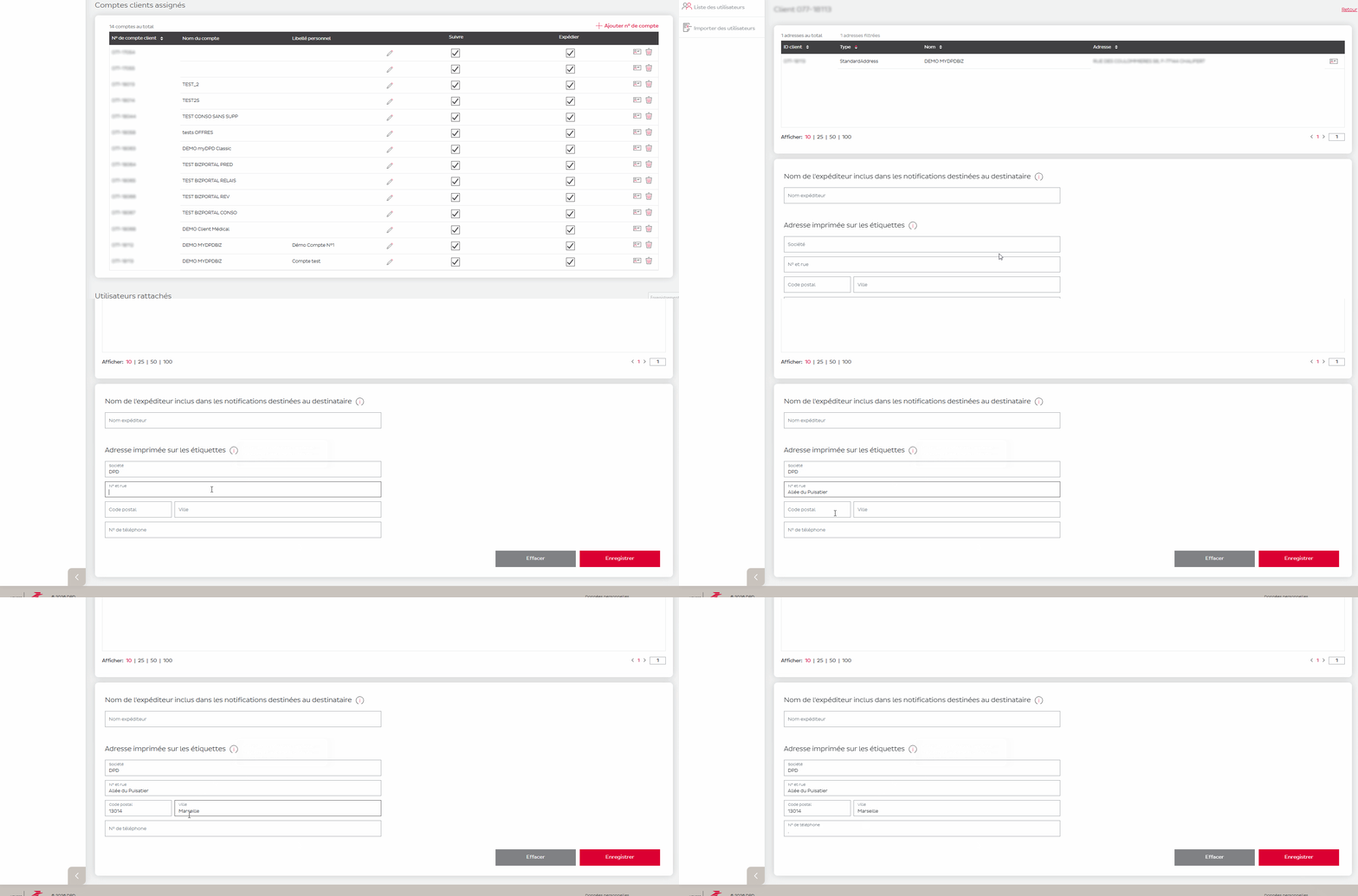
The sender customisation feature allows you to display a company name and address on your labels that differ from those registered on your DPD account. This applies only to shipments; returns and third-party collections are not affected.
This feature is available to account administrators only.
To configure sender customisation:
Go to the ‘Settings’ section
Click on the ‘Details’ icon for the relevant account number
In the ‘Address printed on labels’ section, fill in the required fields: company name, address, postcode, town/city, telephone number
Click Save.
All fields in this section are mandatory. If you want a field to appear blank on the label, enter a full stop (.) as the value.
To revert to your account’s default address, click the Clear button, then save.
Parcel delivery for businesses and private customers / How can I customise the sender address shown on my labels?